

AI automation
What Happens After an AI Automation Goes Live?
Zhorx · September 4, 2026 · 13 min read
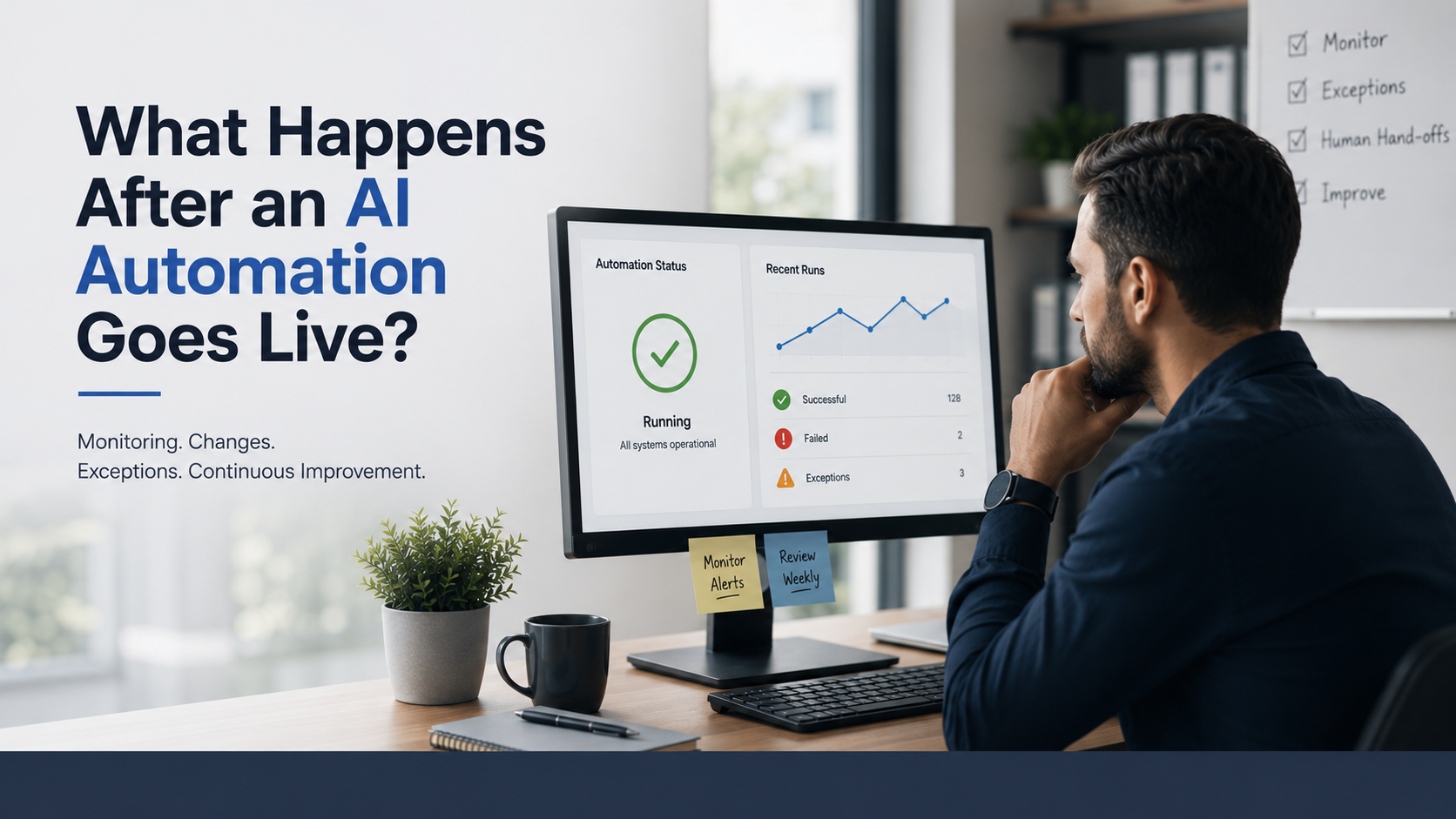
An AI automation can work perfectly during testing and still become a problem after it goes live. The workflow may stop triggering, a connected application may change, a CRM field may be renamed, customer data may become inconsistent, or the AI may start producing outputs that require more human review. In some cases, nothing technically breaks at all. The automation continues running, but the business process around it has changed, so the workflow is no longer producing the result it was designed to deliver.
That is the part many businesses overlook when planning AI automation. Going live is not the final stage. It is the point where automation begins working with real customers, real data, real exceptions, changing software, and real business pressure. Testing can confirm that a workflow behaves correctly under known conditions, but production introduces situations that are difficult to reproduce in a controlled environment.
This is why AI automation needs attention after launch. The goal is not simply to build a workflow that works on its first day. The goal is to keep that workflow reliable, useful, and aligned with the business as conditions change.
If you want to understand where automation could improve your current processes, a free automation audit can help identify repetitive processes, manual bottlenecks, disconnected systems, and practical opportunities for improvement.
What Actually Happens When an AI Automation Goes Live?
Before an AI automation goes live, the workflow is usually built around a specific business process. The team identifies the trigger, the information required, the systems involved, the decisions that need to be made, and the actions the automation should perform. The workflow is then tested using expected scenarios.
Production is different because real business activity rarely follows only the expected path. Customers may provide incomplete information. Employees may enter data differently. A sales team may change its qualification rules. A company may introduce another approval stage. A connected platform may change its API. A new type of customer may start using the process.
Automation now has to operate inside an environment that is constantly changing.
This creates an important difference between an automation that runs and an automation that works.
An automation that runs is completing the technical instructions given to it. An automation that works is continuing to produce the business result it was created to achieve.
For example, imagine a workflow that automatically routes new leads to sales representatives. At launch, the routing rules may be completely correct. Several months later, the company may reorganize its sales territories. The workflow can continue running successfully while sending leads to the wrong people.
From a technical perspective, the automation is functioning. From a business perspective, it is no longer working correctly.
That distinction is at the center of post launch automation management.
Why Does AI Automation Need Attention After Launch?
The biggest mistake a business can make is treating an automation as a one time installation.
A production workflow does not exist in isolation. It depends on business processes, software systems, data, people, and sometimes AI models or external services. All of these can change after deployment.
A company may introduce a new CRM field. A form may be redesigned. A sales process may change. A connected application may modify its authentication system. A new policy may change how customer enquiries should be handled. The AI may also need updated instructions when the information it receives or the business rules around it change.
The automation itself may still be exactly the same, but the environment around it is no longer the same.
This is why successful automation needs to be treated as a living business system rather than a finished project.
Post launch management also gives businesses an opportunity to learn from real usage.
During testing, teams can predict common scenarios. After launch, actual customers and employees reveal new situations. Some may expose weaknesses in the workflow. Others may reveal unnecessary steps, new opportunities for automation, or areas where human involvement is more valuable.
The purpose of ongoing attention is therefore not only to prevent failure. It is also to improve the system based on what happens in the real business.
What Can Go Wrong After an AI Automation Goes Live?
There are several reasons an AI automation can become less reliable after launch, and not all of them involve an obvious technical failure.
One of the most common problems is a change in the business process. A company may change its lead qualification rules, add a new approval step, change who receives notifications, replace a spreadsheet, or introduce a different customer onboarding process. If the automation continues following the old instructions, it can create incorrect results even though the workflow itself has not stopped.
Connected tools create another source of risk.
Business automation often depends on several systems working together. These may include a website, CRM, email platform, calendar, database, payment system, or communication platform. If one system changes its API, authentication method, field structure, available actions, or usage limits, the automation can be affected without anyone directly editing the workflow.
AI adds another layer because output quality can change even when the technical connection remains active.
An AI workflow may classify information, interpret customer messages, summarize documents, generate responses, or make decisions based on business rules. A prompt that worked well with one model version or one type of customer input may require adjustment when the model, context, knowledge source, or business policy changes.
Data quality can also create problems. Missing information, duplicate records, unexpected formats, incorrect values, and outdated information can cause a workflow to make the wrong decision.
Then there are exceptions.
A customer may submit an incomplete form. A payment may fail. An invoice may use an unfamiliar layout. A CRM record may already exist. A customer may ask something outside the AI system scope.
If these situations were never designed into the workflow, the automation has no reliable way to respond. It may stop, create incorrect information, or continue based on an assumption that should have been reviewed by a person.
Reliable automation therefore needs to account for both the normal process and the situations where the normal process does not apply.
How Should an AI Automation Be Monitored After Launch?
Monitoring an AI automation means looking at more than whether the workflow is online.
A workflow can be technically active while producing poor results. It may successfully process records but create duplicate information. It may send messages successfully but send them at the wrong stage. It may classify enquiries successfully but send important leads to the wrong team.
This is why monitoring needs to cover both technical performance and business performance.
At the technical level, businesses should be able to identify successful runs, failed runs, retries, delays, exceptions, and manual interventions.
At the business level, the company should look at whether the automation is improving the result it was designed to improve. Depending on the workflow, this could include faster lead response, more qualified leads, fewer manual hours, fewer errors, more appointments, faster customer responses, or lower cost per completed task.
The important point is to establish a baseline before the automation goes live. Without a baseline, it becomes difficult to determine whether the automation is actually creating improvement.
For example, if a company had an average lead response time of two hours before automation and that number falls to five minutes afterward, the business has a measurable result. If the automation simply reports that one thousand leads were processed, that number alone does not explain whether the business benefited.
Monitoring should also make failures visible.
Silent failures are especially dangerous because the business may assume that everything is working. A strong monitoring setup should make important failures, repeated retries, unusual activity, and exceptions visible to the appropriate person.
How Should Businesses Handle AI Errors and Exceptions?
No production automation should assume that every situation will follow the standard path.
Exceptions are normal in business. The goal is not to eliminate every unusual situation. The goal is to give the automation a controlled response when something falls outside its normal operating conditions.
For example, an AI lead follow up workflow may receive a message that contains very little information. Instead of allowing the AI to guess what the customer means, the workflow can identify the uncertainty and route the conversation to a human.
A similar approach can be used when a CRM record is missing important information, a payment fails, or an external application does not respond.
A reliable exception path can include:
- Retrying an action when a temporary technical error occurs
- Sending the task to a review queue when information is incomplete
- Notifying a responsible employee when human intervention is required
This approach prevents the automation from making uncontrolled decisions.
The same principle applies to AI generated content. If the AI is highly confident and the action has low risk, the workflow may continue automatically. If the information is uncertain or the action could have a significant business impact, human review can become part of the workflow.
Human involvement is not necessarily a sign that automation has failed. In many cases, it is what makes automation reliable.
What Should and Should Not Be Fully Automated?
Not every business process should be automated from beginning to end.
The best automation opportunities are usually repetitive, structured, measurable, and governed by clear rules. These processes often require employees to repeatedly move information, check the same conditions, send routine communications, update records, or perform predictable administrative work.
Processes involving sensitive decisions, unusual customer situations, significant financial consequences, or unclear information may benefit from a human approval point.
For example, an AI system can identify a promising sales lead, collect relevant information, update the CRM, and prepare a follow up message. A salesperson can then review the information before an important or highly personalized message is sent.
This creates a balance between efficiency and control.
The objective is not maximum automation. The objective is the right level of automation for the business process.
A workflow that removes every human checkpoint may look impressive during a demonstration, but it can create unnecessary risk in production. A workflow that automates repetitive work while keeping people involved where judgment matters can deliver much more sustainable value.
How Can a Business Improve an AI Automation Over Time?
The first version of an automation should not always be treated as the final version.
Real usage creates information that cannot always be discovered before launch. Businesses can see which exceptions happen most often, where employees still intervene manually, which steps create delays, and which parts of the workflow produce the most value.
This information can be used to improve the automation.
A company may discover that one part of the workflow is unnecessary. Another step may need better conditions. A frequently occurring exception may become predictable enough to automate. An AI instruction may need refinement because users are asking questions that were not considered during the original design.
The improvement process should also consider changes in the business itself.
When a company adds a new service, changes its sales process, enters a new market, changes its customer onboarding requirements, or introduces another software platform, existing automations may need to be reviewed.
This is where documentation becomes important.
The business should know what the workflow does, which systems it depends on, who owns it, what happens when it fails, and when it was last changed. Without this information, even a well designed automation can become difficult to maintain.
Zhorx approaches automation with this practical mindset by focusing on the actual business process, the tools already being used, and the workflow required to create a measurable operational improvement rather than automation for its own sake.
Practical Business Example: AI Lead Follow Up After Launch
Consider a company that receives leads through its website.
Before automation, a salesperson may check the website form manually, copy the information into the CRM, review the lead, send an email, create a follow up reminder, and check again later if the customer has not responded.
This process can work when the number of leads is small. As lead volume increases, delays become more likely. Some leads may receive a response within minutes while others may wait for hours. Some may never receive a follow up at all.
With an AI automation in place, the process can become more consistent.
When a lead submits the form, the workflow can capture the information, create or update the CRM record, evaluate the lead based on defined criteria, notify the appropriate salesperson, prepare a relevant follow up message, and schedule additional follow up when necessary.
The workflow can also identify situations that require human attention.
For example, if the lead provides incomplete information or asks a complex question, the system can stop the automated process and send the conversation to a salesperson.
This creates a more reliable process without removing the human role completely.
However, the work does not end when this workflow goes live.
The business may later change its qualification rules. The sales team may reorganize. A CRM field may change. The company may introduce a new service. Customers may start asking different questions.
Each of these changes can affect the workflow.
This is why post launch monitoring and regular review are essential. The automation should continue evolving with the business instead of remaining frozen in the state it was in on launch day.
What Does a Reliable Post Launch Automation System Look Like?
A reliable AI automation system needs more than a successful workflow.
It needs clear ownership, monitoring, defined exception handling, human handoffs where appropriate, testing, documentation, and regular review.
The person responsible for the automation should know what the workflow is expected to achieve and what should happen when something goes wrong. There should also be a clear escalation path for problems that require technical or business decisions.
Testing should continue after launch as well.
A useful approach is to maintain a set of known real world scenarios. These can include missing fields, duplicate records, unusual customer requests, failed integrations, unexpected formats, slow responses, and AI handoff situations.
When the workflow changes, these scenarios can be tested again.
This creates a practical safety net for future updates.
Businesses should also review the automation based on business outcomes rather than activity alone. If the workflow is processing thousands of records but the intended business result is not improving, the automation needs to be investigated.
The real measure of success is whether the system continues creating the value the business expected.
Key Takeaways
- Going live is the beginning of an AI automation lifecycle, not the end.
- Business processes, customer behavior, software platforms, APIs, data, and AI behavior can change after launch.
- Technical success does not always mean business success.
- Monitoring should cover failures, exceptions, AI output quality, and measurable business outcomes.
- Human handoffs can make automation safer and more reliable.
- Real world exceptions should be designed into the workflow rather than treated as unexpected failures.
- Regular testing, documentation, ownership, and improvement help keep automation useful over time.
Final Thoughts
An AI automation should not be judged only by how well it performs on launch day.
The real test comes later, when real customers interact with it, business processes change, connected platforms are updated, and unexpected situations appear.
Businesses that treat automation as a living system are better positioned to maintain reliability and continue improving efficiency. They monitor what matters, define who owns the workflow, prepare for exceptions, review AI output, and update the system when the business changes.
The difference between an automation that runs and an automation that creates lasting business value is often what happens after launch.
If you want to explore how production ready automation can be designed around real business operations, you can also review Zhorx automation projects to see examples of practical automation workflows.
FAQs
What happens after an AI automation goes live?
After launch, the automation begins operating with real business data, customers, employees, and connected software. It needs monitoring, maintenance, testing, and occasional updates to remain reliable as the business environment changes.
Does an AI automation need maintenance after deployment?
Yes. Connected applications can change, business processes can evolve, data quality can vary, and AI behavior may require adjustment. Regular maintenance helps prevent small changes from becoming larger operational problems.
Who should monitor an AI automation?
A specific person or team should own the workflow and understand its purpose, performance indicators, failure conditions, and escalation process. Technical issues may require an automation specialist, while business performance should be reviewed by the relevant business owner.
How often should an AI automation be reviewed?
The review frequency depends on the importance and complexity of the workflow. High impact workflows should be monitored continuously and reviewed regularly. Lower risk workflows may need less frequent formal reviews, especially when their business process remains stable.
What is the difference between an automation that runs and one that works?
An automation that runs completes its technical tasks. An automation that works continues producing the business outcome it was designed to achieve. A workflow can run successfully while still producing poor business results, which is why both technical performance and business outcomes need to be monitored.
Want a second opinion on your list?
Send it over. We’ll tell you where we’d start, and what we’d leave alone.